Telewrapperz (pip install telewrapperz) is a cross-platform command-line wrapper designed for monitoring and controlling long-running workloads—such as deep learning training runs, data pipelines, and batch jobs—directly through Telegram without maintaining an active SSH session.
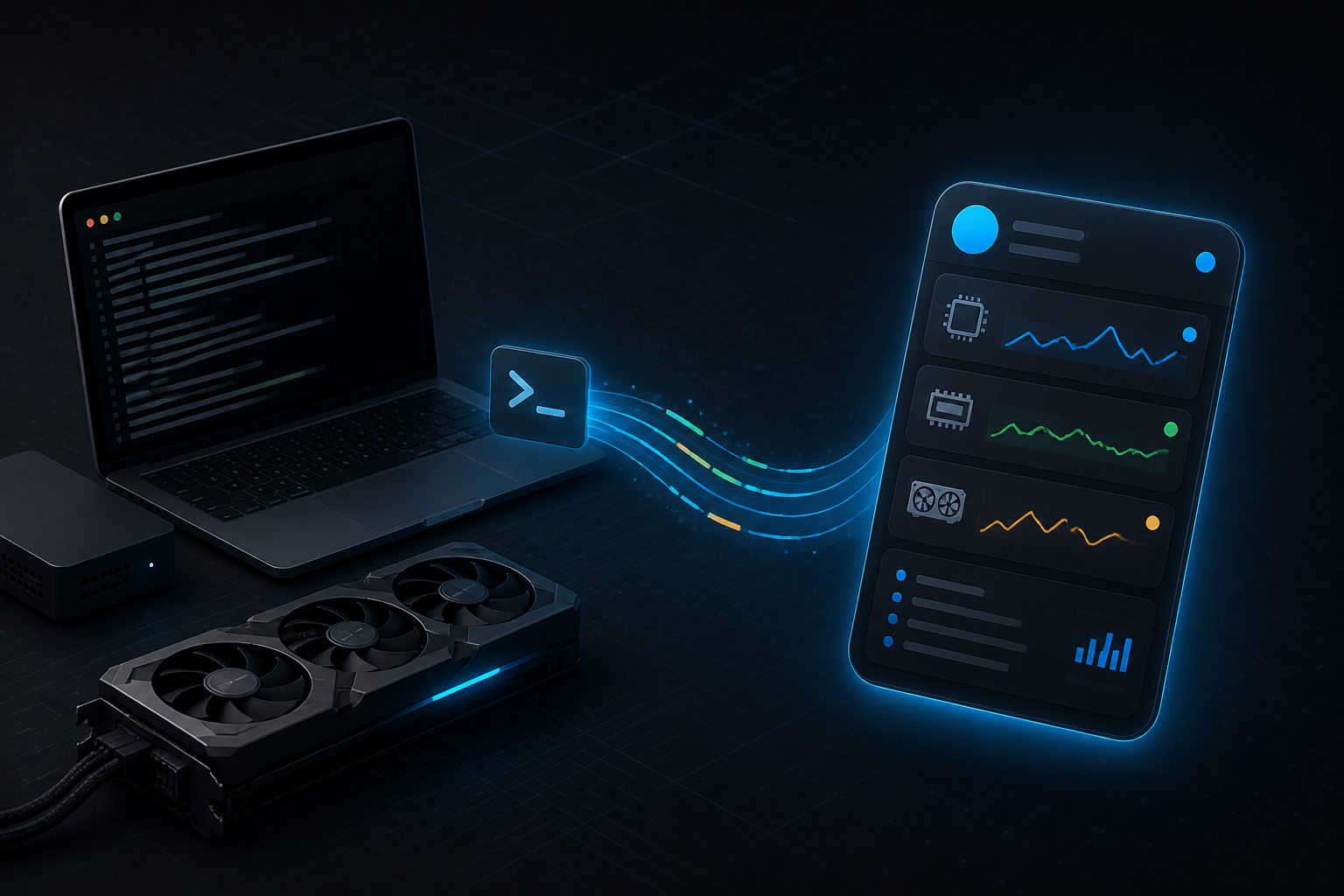
Single-Message Live Dashboard & Telemetry
Instead of flooding a chat with line-by-line notifications, Telewrapperz maintains a single pinned dashboard message updated in place at a configurable interval (update_interval), supplemented by push alerts on completion or failure:
- Hardware Telemetry: Tracks host identity, PID, elapsed runtime, CPU load, system RAM, and optional free disk space (
--show-disk) viapsutil, alongside NVIDIA GPU utilization and VRAM consumption viapynvml. - Interactive Inline Controls: Provides Telegram inline buttons to trigger an immediate dashboard refresh, download the full persistent execution log (
--log), or gracefully terminate the remote process (SIGTERM/SIGKILL). - Thermal & Completion Alerts: Emits dedicated notifications when a command exits—reporting total duration, exit code, and attached log files on non-zero exit—as well as thermal threshold alerts when CPU or GPU temperatures exceed safe bounds.
🖥 workstation-gpu (PID: 12345)
⚙️ python train.py --epochs 100

Status: 🟢 Running | Time: 01:23:45
CPU: 45% | RAM: 62% | GPU 0: 87% | VRAM: 8.2/24.0GB (34%)

📜 Recent Log (Last 50):
┌──────────────────────────────
│ Epoch 15/100 — 100%|██████████| 500/500 [00:42<00:00]
│ Loss: 0.0234 | Val Acc: 97.2%
└──────────────────────────────
[🔄 Refresh] [📥 Download Log] [🛑 Terminate Process]
Pseudo-Terminal Emulation & Resource Queueing
Standard subprocess pipes break interactive CLI output because programs disable ANSI progress bars when isatty() is false, and carriage returns (\r) or cursor-up escape sequences produce thousands of duplicate lines. Telewrapperz addresses this through:
- Native PTY Allocation: Spawns child processes inside a pseudo-terminal (
pty) on Linux and macOS (falling back to line-buffered pipes on Windows) and parses carriage returns, spinners,tqdmbars, and multi-linerichprogress displays into a clean 50-line sliding window. - Conditional Resource Queueing (
--queue-until): Holds execution until a specified hardware predicate is satisfied (for exampleram<80,cpu<50,vram<90, ordisk<80), polling system metrics in the background and prompting the operator in Telegram with a one-tap launch button once resources free up.